Refurbished Apple Pencil offers near-original performance at a significant discount, positioning it as a solid mid-range value among stylus options.
Price vs. rivals
Typical
CheaperTypicalPricier
Renewed version is priced well below the new retail price, placing it in a moderately affordable range compared to original factory-sealed units, though still above many third-party stylus alternatives.
Ease of use
Excellent 90/100
The Apple Pencil is intuitive and responsive, but requires initial Bluetooth pairing and occasional charging, which is straightforward for most users.
Overview
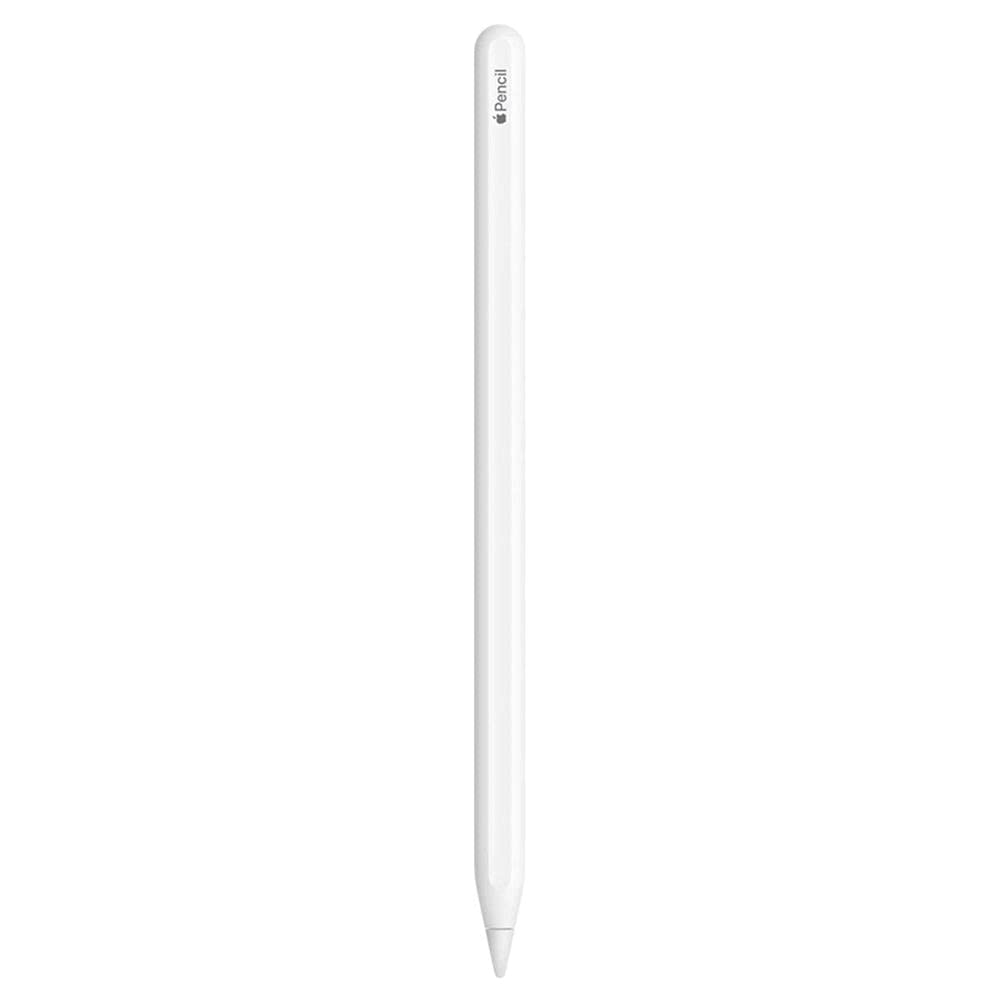
The Apple Pencil 2nd Gen is a precision stylus for compatible iPads—it attaches magnetically to the side, charges wirelessly, and responds to tilt and pressure. It solves the problem of trying to draw or write with your finger or a cheap capacitive nub, which is messy and inaccurate. This is really for anyone who uses their iPad for more than Netflix: artists, students with digital textbooks, note-takers in meetings, or photo editors who need fine control. If you just tap icons and type, you don’t need it.
There’s a reason it’s the de facto standard. The latency is low enough that you forget you’re using a piece of plastic. And because it’s Apple, it works with every native app without pairing headaches—just snap it on. But it’s not a universal tool: older iPads and iPhones can’t use it. That’s the first filter.
Key Features
Magnetic attachment and wireless charging – You snap it to the flat edge of your iPad Pro or Air and it charges automatically. No more digging for a Lightning cable or losing a cap.
Double-tap gesture – Tap the flat side near the tip to switch between your current tool and eraser, or to show the color palette. It’s faster than reaching for a menu, though you’ll occasionally trigger it by accident.
Pressure and tilt sensitivity – Press harder for a thicker line, tilt for shading. This is what makes it feel like a real pencil or brush, not a toy.
Low latency – The cursor follows your mark with hardly any delay. In practice, you can write in cursive or sketch quickly without the line lagging behind.
Pixel-perfect precision – The tip is fine enough to hit individual pixels. Great for selecting tiny UI elements or doing detailed line art.
Renewed condition – This particular listing is Amazon Renewed, meaning it’s been tested and repackaged. You save about $55 off retail. Expect minor cosmetic wear, but function is guaranteed.
Fit for You
You take handwritten notes in class or meetings and want them searchable and backed up.
You draw or paint digitally—even just as a hobby—and you’re tired of cheap styluses that skip or ignore pressure.
You edit photos and need to make precise selections, dodge, burn, or retouch with a stylus.
You use your iPad for marking up PDFs or signing documents, and you want the signature to look like yours, not a squiggle.
You play games or use apps that benefit from a pointing device—like a flight simulator with tiny buttons.
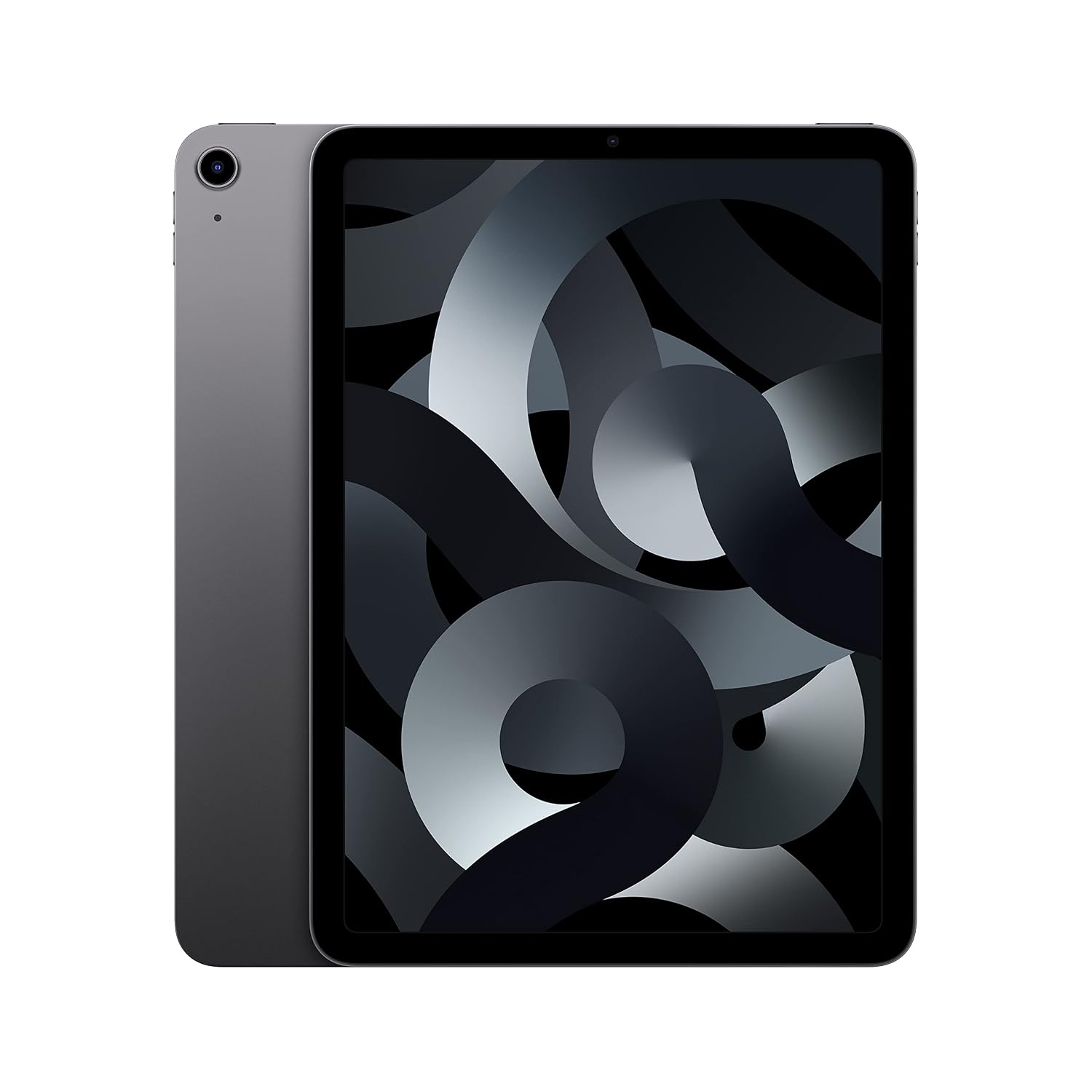
You already own a compatible iPad (2018 or later Pro, 2020+ Air, or 6th-gen mini) and want the native experience without adapters.
Uses
Imagine you’re sitting in a coffee shop with a drawing app open. The Pencil snaps onto the iPad’s edge—no pairing, no charging anxiety because it topped up while you ordered. You start sketching: the pressure feels natural, and the tilt gives you exactly the kind of broad stroke you’d get from a real pencil’s side.
Or you’re in a meeting taking notes in OneNote. You double-tap to switch to a red pen for emphasis. Later, you swipe the Pencil off the magnet and toss it in your bag. The flat side prevents it from rolling around—though not completely, as you’ll find out.
For photo editing in Lightroom, you can brush over an area to adjust exposure. The precision means you don’t accidentally splatter onto the subject. It’s a level of control you simply don’t get with a mouse on an iPad.
Experience
Setup is almost comically easy: you just attach the Pencil to the iPad’s magnetic connector. A pop-up asks if you want to pair. Tap once, and you’re done. That’s it. No Bluetooth menu, no code entry. From then on, it just works.
The grip is where you get into trouble. The barrel is glossy plastic—slippery when your hands are even slightly warm. Some people solve it with a silicone sleeve, but then you lose the magnetic attachment. Owners tend to mention that the Pencil can roll off a desk if you leave it loose. The flat side helps, but not completely.
Charging is convenient: the battery lasts about 12 hours of use, and a quick 15-second snap gives you 30 minutes of charge. But if you leave it attached overnight, the iPad’s battery drains slightly because it’s trickle-charging the Pencil. It’s a minor annoyance.
The double-tap gesture is great when it works, but you might accidentally trigger it while gripping the pencil near the flat edge. Some apps let you disable it. The tip is replaceable—you’ll need a new one every few months if you draw a lot. They’re cheap on Amazon.
One thing that bugs me: there’s no eraser on the opposite end, like a real pencil. To erase, you either use the double-tap to switch tools or lift to a virtual eraser. Some competing styli, like the Logitech Crayon, don’t have pressure sensitivity, but they do have a flat design that doesn’t roll. Trade-offs everywhere.
Pros and Cons
Pros
Instant pairing and charging – The magnetic attachment makes it feel like part of the iPad, not an accessory to dig for.
Excellent responsiveness – Low latency and pressure sensitivity that rivals Wacom pens on desktops. You won’t feel a delay.
Solid build quality – Even renewed units feel sturdy. The tip is precise and the barrel has a satisfying weight.
Broad app support – Works natively in Notes, Procreate, Adobe, GoodNotes, and hundreds of others. You never need to enable a “stylus mode.”
Good battery life – A full charge lasts a day of heavy use, and quick top-ups are trivial.
Cons
Limited compatibility – Only works with iPad models from 2018 onward that have the flat magnetic edge. No iPhone, no older iPads, no Mac.
Glossy, slippery barrel – Sweaty or dry hands alike will find it hard to grip for long drawing sessions. You’ll want a sleeve or a textured case, which blocks the magnetic charger.
No eraser end – Unlike a real pencil or the second-gen Apple Pencil’s predecessor, the eraser is a virtual toggle. It works, but you can’t naturally flip it over.
Easy to misplace – It’s small, white, and magnetically attached, but if you set it down loose, it rolls. The flat side helps but doesn’t prevent it entirely.
Renewed units may have scratches – The price is great, but you’re buying a used product. Cosmetic blemishes are common. Function is fine, but if you care about pristine condition, buy new.
Price even renewed – At $72 renewed, it’s still more expensive than a Logitech Crayon (around $50–60 new) or any generic stylus. You’re paying for the Apple ecosystem integration.
Advantages
Where does the Apple Pencil 2nd Gen beat the alternatives? First, the pairing and charging experience is unmatched. The Logitech Crayon works with the same iPads but uses a Lightning port to charge and needs a button press to pair. The Pencil simply snaps on. Second, pressure sensitivity: the Crayon has only tilt, no pressure. For drawing, that’s a dealbreaker. Third, the double-tap gesture is a nice shortcut if your apps support it—the Crayon has no equivalent.
If you’re considering an Apple Pencil 2nd gen vs Logitech Crayon, the choice is clear: if you draw or write seriously, get the Pencil. If you only need a basic pointing device for tapping and scrolling, save money with the Crayon. But for the best stylus for iPad drawing, the Pencil is it, no contest.
Who Should Buy
Digital artists and illustrators – You’ll appreciate the pressure curve and low latency. This is the closest thing to a real pencil on an iPad.
Students who annotate PDFs and take handwritten notes – The Palm Rejection works well, and the handwriting recognition in apps like GoodNotes is accurate.
Photo editors and designers – Precise selections and brush work become effortless.
Anyone who already owns a compatible iPad and wants the highest-quality stylus – There’s no reason to buy a cheaper one unless you’re saving pennies.
Skip this if – You have an iPad with a Home button (Air 3 or older, Pro 1st/2nd gen, non-Pro older models). Those only work with the first-gen Pencil, which charges awkwardly through the Lightning port. Also skip if you only use your iPad as a consumption device—a $10 capacitive stylus will do.
FAQ
Is the Apple Pencil 2nd Gen worth it?
The short answer is yes if you have a compatible iPad and you do any kind of precise input—drawing, writing, editing. At $72 renewed, it’s a bargain compared to the $129 retail. If you’re a casual user, a Logitech Crayon or even a finger will serve you fine.
How long does the battery last?
You can expect about 12 hours of continuous use from a full charge. The wireless charging via the magnetic connector is fast enough that a 15-second snap gives you roughly 30 minutes of use. Standby drain is minimal when stored attached to your iPad.
Is it safe for the screen?
Yes, the tip is soft plastic designed not to scratch glass. However, if you drop the Pencil tip-first or drag it through grit, you could mar the screen. Keep the tip clean and replace it when worn—they’re cheap.
Can you use it on an iPhone?
No. The Apple Pencil 2nd Gen works only with specific iPad models: iPad Pro 11-inch (1st gen and later), iPad Pro 12.9-inch (3rd gen and later), iPad Air (4th gen and later), and iPad mini (6th gen). It doesn’t work with iPhones or older iPads.
Does the double-tap work in every app?
No, it depends on app support. Apple’s own apps like Notes and Pages support it, as do many third-party apps like Procreate, GoodNotes, and Adobe Fresco. Some apps ignore it entirely, or you can customize what the double-tap does (e.g., toggle eraser, undo). Check app documentation.
Is a renewed Apple Pencil 2nd generation review worth reading?
If you’re considering a renewed unit, this review covers the real-world experience. Expect minor cosmetic wear—scratches or scuffs on the barrel—but the electronics and battery are tested. You save roughly 45% off new, which makes the question “is Apple Pencil 2nd generation worth it” tilt strongly towards yes.
Final Verdict
The Apple Pencil 2nd Gen is the best stylus for iPad drawing and note-taking, bar none. If your iPad supports it and you have any use for precision input, buy it. The renewed version at $71.99 makes the decision even easier—you get the same core experience for much less. The one thing to keep in mind: it’s not a perfect universal tool. It’s slippery, easy to lose, and locks you into the iPad ecosystem. But for what it does, nothing else comes close.
The renewed Apple Pencil 2nd Gen sits in a weird spot right now. It’s not the newest model (that’s the Pro with the squeeze gesture and Find My), but it’s also not the cheapest. At $71.99 (renewed), it directly undercuts the USB-C Pencil while offering a feature that one completely lacks: pressure sensitivity. This single feature makes it the default choice for a specific type of iPad user. Let’s see how it stacks up against the other pens fighting for space on your iPad’s magnetic edge.
Product
Price Range
Key Strength
Key Weakness
Best For
Apple Pencil 2nd Gen (Renewed)
~$70
Pressure sensitivity + wireless charging/pairing
No “Find My” support, no USB-C charging in a pinch
Artists and note-takers who want the core pro feature (pressure) without paying for the Pro model.
Logitech Crayon
~$60
Rugged build, flat shape (no rolling), good palm rejection
No pressure sensitivity, no wireless pairing
Classroom use, kids, or anyone who just needs a reliable stylus for tapping and writing notes.
Apple Pencil (USB-C)
~$79
USB-C charging, compatible with all USB-C iPads
No pressure sensitivity, no wireless charging/pairing, sliding cap
The budget-conscious user who wants an Apple badge and has a newer iPad.
Apple Pencil (1st Gen)
~$70 – $100
Pressure sensitivity, cheaper than 2nd Gen new
Lightning connector (awkward charging), only works on older iPads
Users rocking an iPad 6th/7th/8th/9th gen or iPad Air 3rd gen.
Apple Pencil 2nd Gen vs Logitech Crayon
If you just need a stylus for marking up PDFs or taking basic notes, the Logitech Crayon works fine. It’s built like a piece of industrial equipment—drop it and it’ll probably survive. The flat sides stop it from rolling off your desk. But here’s the hard truth: it doesn’t do pressure. If you draw, that’s a dealbreaker. The Apple Pencil 2nd Gen vs Logitech Crayon comparison usually comes down to one question: do you need line variation when you sketch? If yes, spend the extra ten bucks. If you’re just circling typos in a document, save your money.
Apple Pencil 2nd Gen vs Apple Pencil (USB-C)
This is the trickiest comparison, because the USB-C Pencil costs about the same new as the 2nd Gen does renewed. The USB-C version works with almost every iPad currently on sale, which is nice. But Apple stripped it down. No pressure sensitivity. No wireless pairing. You have to slide a cap off to charge it, and that cap is incredibly easy to lose. Getting the 2nd Gen renewed means you get the premium-feeling surface, the magnetic snap-and-charge, and full pressure control. The only downside? The renewed 2nd Gen is a few years old at this point, so the battery might degrade faster on a unit that’s been sitting around. Check the seller’s return policy on battery life.
Best Stylus for iPad Drawing in 2026
For drawing, the “best stylus for iPad drawing” debate usually starts and ends with pressure sensitivity. If you want to shade a line or vary your brush stroke weight, you need it. The Apple Pencil 2nd Gen delivers that. The Apple Pencil Pro adds a barrel roll sensor and a squeeze gesture, which are nice shortcuts, but they’re not essential. For $71.99 renewed, you get the exact same tip and pressure engine that professional illustrators used for years. The main feature you lose by going renewed is the “Find My” support that the Pro has—if you lose this stylus a lot, that’s a real pain.
Who should click buy on the renewed Apple Pencil 2nd Gen? If you have an iPad that supports it (check the compatibility list—it’s mostly iPads with USB-C that aren’t the newest 2024 models), and you care about drawing, shading, or having a charging system that isn’t annoying, this is the smart buy. Who should skip it? Anyone with an older iPad (1st Gen is your guy, sadly), anyone on a strict budget who only writes text (get the Crayon), or anyone worried about battery health on a renewed device. For the rest of you, this is the closest you get to having the Pro-level experience for half the price.
Ready to decide on the Apple Pencil 2nd Gen?
See today’s price, stock and delivery options on Amazon.