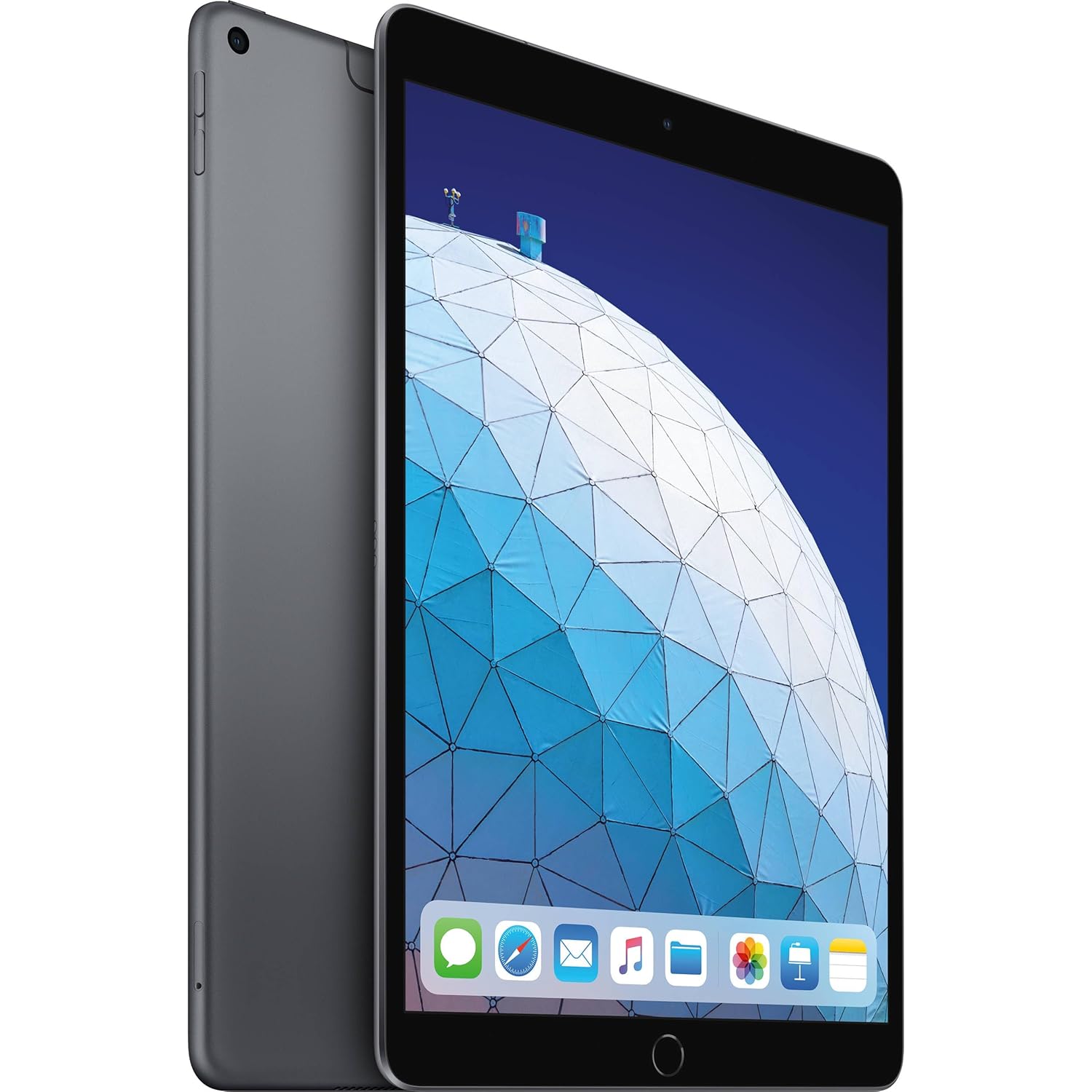
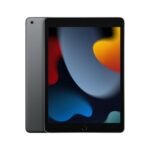
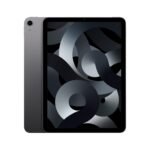
Refurbished iPad at a fraction of the original cost delivers core tablet functionality with reliable brand quality, offering exceptional value for budget-conscious buyers.
Price vs. rivals
Cheaper
CheaperTypicalPricier
Priced far below typical refurbished iPad models, indicating a deep discount compared to similar alternatives.
Ease of use
Excellent 88/100
The iPad's intuitive touch interface and extensive app library make it very easy for an average person to use.
Overview
This Apple iPad 10.2 review boils down to one question: is this old-reliable tablet worth picking up in 2025 for ninety-nine bucks? The short answer—if you need a cheap, big-screen device for reading, streaming, and light typing, yes. It’s not a powerhouse, but for the price of a couple of restaurant dinners, it gets you into the iPad ecosystem with a decent screen and solid build.
The renewed version of the 10.2-inch iPad solves a simple problem: you want a tablet that just works without spending four hundred dollars. It’s for people who don’t need the latest processor or an ultra-slim design. You get a familiar home button, Lightning charging, and the same apps that run on expensive iPads. It will feel dated next to an iPad Air, but at a quarter of the cost, that’s the whole point.
Key Features
A13 Bionic chip – It’s the same processor that powered the iPhone 11. That means everyday tasks like browsing, email, and YouTube run smoothly. Don’t expect smooth 4K video editing, but for a $99 tablet, it’s genuinely snappy.
10.2-inch Retina display – The iPad 10.2 inch display quality is perfectly fine for reading magazines, watching Netflix in bed, or taking notes. It’s not laminated, so there’s a tiny gap between the glass and the screen—you’ll notice it when tapping, but it’s not a dealbreaker at this price.
Touch ID home button – Physical, reliable fingerprint sensor. Works every time, unlike some in-screen readers on cheap Android tablets. You don’t have to think about it.
Battery that lasts a full day – Apple rates it for 10 hours of video playback. Owners of the renewed version often report slightly less—maybe 8–9 hours after a few cycles—but that’s still enough for a workday of casual use. Expect the renewed iPad 10.2 battery life to be decent but not miraculous.
Support for Apple Pencil (1st gen) – You can draw and write on it, and that’s a big deal for a tablet under $100. The catch: the pencil costs more than the tablet used. Still, for students, it makes this one of the best budget tablet for note-taking options out there.
Stereo speakers in landscape – Not room-filling, but clear enough for podcasts and casual movie watching. The sound is better than the single-speaker cheap Android tablets you’ll find at this price.
Fit for You
You want a secondary device for the kitchen to follow recipes and stream cooking shows without worrying about spills.
You’re a student on a tight budget and need a device for reading textbooks, annotating PDFs, and typing up assignments in Google Docs.
You travel light and want something bigger than your phone for plane entertainment, but you don’t want to risk a $700 tablet in your carry-on.
You’re introducing a kid to tablets and want the safety of Apple’s parental controls without spending a fortune.
You’re someone who reads ebooks and magazines on the couch—the 10.2-inch screen is about the size of a paper paperback, and the weight is manageable.
Uses
In practice, this iPad handles the boring stuff well. You’ll open it, connect to Wi-Fi, and spend most of your time in three apps: Safari, YouTube, and iBooks. The screen is big enough to have a split view with notes on one side and a webpage on the other, though the 3GB of RAM means you can’t be too aggressive with tabs.
For note-taking, the combination of the Apple Pencil and the free Notes app is genuinely useful. The screen isn’t as smooth as the Pro models—you’ll feel a slight drag—but your handwriting comes out fine. Engineering students swear by it for marking up lecture slides.
Where it struggles: any kind of gaming beyond casual titles like Monument Valley or Stardew Valley. Heavier 3D games will stutter after twenty minutes, and the non-laminated screen makes the graphics look a little muddy in direct light.
Experience
Setting up a renewed unit is the same as a new one. You press the home button, slide to connect to Wi-Fi, and wait for the iCloud restore to finish. One annoyance: the Lightning cable. If you’ve already switched to USB-C on other devices, you’ll need an extra cable around. That’s a small hassle that adds up.
Day-to-day, the biggest thing you’ll notice is the bezels. They’re chunky—about a thumb-width on each side. That makes the tablet feel a little blocky compared to modern iPads, but it also gives you something to hold onto. You won’t accidentally trigger the touchscreen when gripping it in bed.
The battery: after about a year of use on a renewed model, it still lasts through a full day of mixed use (web, email, Netflix). But if you’re charging it nightly, the capacity drop is faster than a new iPad. Don’t expect to still get 10 hours after two years. The real caveat is storage: 32GB fills up fast. One movie, a few apps, and some music, and you’re hunting for files to delete.
Pros and Cons
Pros
Price – $99 is absurdly cheap for an iPad. Comparable new Android tablets in that range have worse build quality and short software update support.
App ecosystem – You get the full App Store. That means apps like Procreate, GoodNotes, and Affinity Photo actually work well here. On a cheap Android tablet, you’d be stuck with watered-down versions or nothing.
Long software support – Even a 2019 model still gets iPadOS updates. Apple supports these things for five or six years. That’s rare at this price point.
Reliable Touch ID – Works with wet fingers, through a screen protector, in the dark. You’ll miss it if you switch to a tablet with face unlock.
Build quality – Aluminum back, glass front. It doesn’t creak or flex. A drop might dent the metal, but the screen feels tougher than cheap plastic alternatives.
Cons
Non-laminated display – There’s a visible air gap between the glass and the LCD. It makes the image feel slightly sunken and can annoy you if you’re used to modern phones or higher-end iPads.
32GB storage is tight – After the OS and a couple of games, you’ll have maybe 10GB free. No expandable storage, so you’ll rely on cloud services or constant file management.
Lightning port – It’s old and slow. Charging takes longer than USB-C iPads, and you can’t use most modern accessories without an adapter.
No USB-C video out – You can’t easily plug it into a monitor for presentations or extended desktop. That limits its use as a laptop replacement.
Old design, thick bezels – It feels like a tablet from 2018, which it basically is. If you care about aesthetics, you’ll find it clunky compared to newer models.
Advantages
When you compare the iPad 10.2 vs Samsung Galaxy Tab A8, the iPad wins on two things: software updates and app support. The Samsung gets maybe two years of Android updates, then dies. The iPad will keep getting security patches for years. Also, the iPad’s processor (A13) is noticeably faster than the Unisoc chip inside the Tab A8, meaning web pages load quicker and apps don’t crash as often. The Samsung has a slightly bigger screen and a USB-C port, but those advantages don’t outweigh the iPad’s longevity.
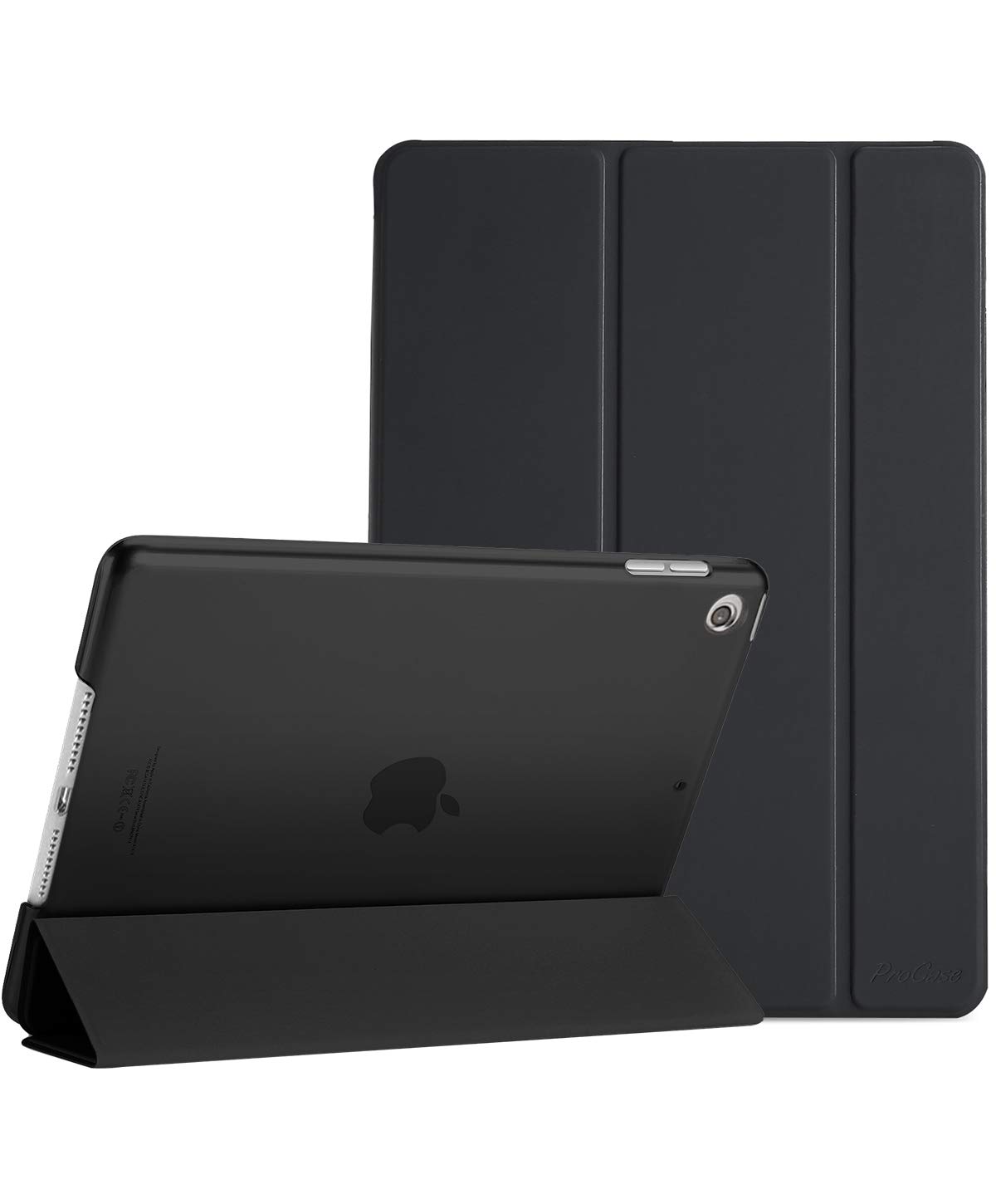
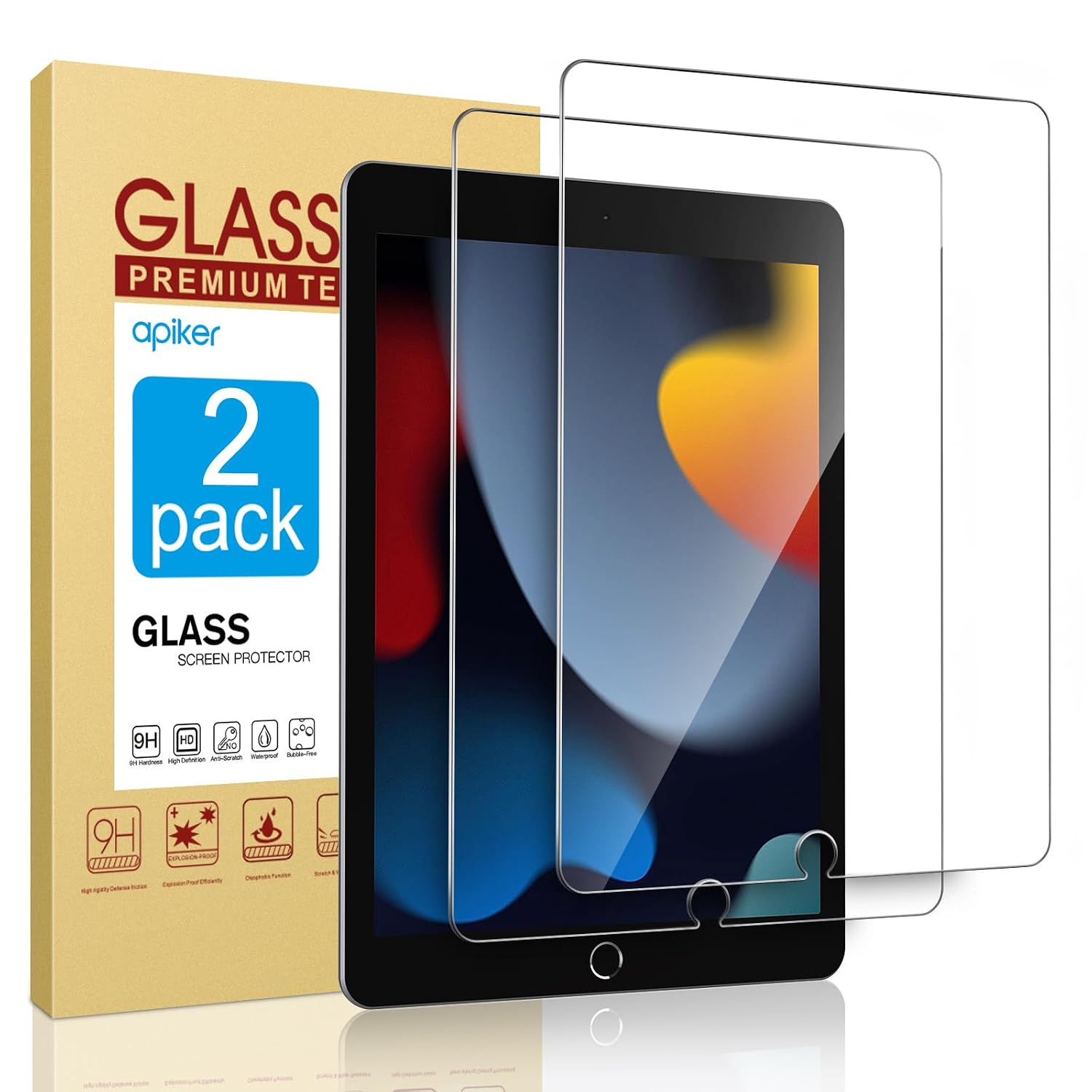
Another edge: the secondhand market for this iPad is huge. You can find replacement cases, screen protectors, and even broken units for parts easily. That makes it a safer bet for someone who doesn’t want to gamble on a little-known brand.
Who Should Buy
Buy this if – you need a cheap tablet for reading, browsing, and streaming that will still get iOS updates for at least two more years. Also good for kids and seniors who just want FaceTime and simple games.
Don’t buy this if – you plan to do heavy photo editing, play demanding games, or use it as a laptop replacement. Look at the iPad Air or a cheap Chromebook instead.
Skip it if – you’re annoyed by Lightning cables and want USB-C for fast charging and accessories. The newer iPad 10th gen with USB-C is double the price, but worth it if that matters.
FAQ
Is the Apple iPad 10.2-inch worth it?
For $99, absolutely—if you keep expectations realistic. It’s a great media consumption device and a decent note-taking tool, but don’t expect flagship performance or modern ports.
How long does the battery last on a renewed iPad 10.2?
Most renewed units hold between 80–90% of original capacity, so you’ll get around 8–10 hours of light use. Heavy gaming will drain it in 5–6 hours.
Can you use the Apple Pencil with this iPad?
Yes, only the first-generation Apple Pencil. It pairs by plugging into the Lightning port, which is awkward, but works fine for note-taking and drawing.
Is the iPad 10.2 good for students?
Yes, for basic note-taking, reading textbooks, and writing essays with a Bluetooth keyboard. The 32GB storage is tight—you’ll want cloud storage or an external drive adapter.
Does the refreshed iPad 10.2 support the latest iPadOS?
Yes, as of 2025 it runs iPadOS 17 and should get iPadOS 18 later this year. Apple supports these models for at least five years after release.
How does it compare to the Samsung Galaxy Tab A8?
The iPad has a faster processor, better app selection, and longer software updates. The Tab A8 has a bigger screen (10.5 inch) and USB-C, but feels slower and gets abandoned sooner. For the same price, pick the iPad.
Final Verdict
If you’ve come this far asking whether an Apple iPad 10.2 review can end with a clear recommendation, the answer is yes. This renewed iPad is the ultimate “buy it and stop thinking” tablet for people who want a big screen without spending big money. The flaws—dated design, Lightning, 32GB—are real, but at $99 they’re trade-offs you can live with.
The one thing to keep in mind: storage. Buy the 128GB version if you can find it for not much more. Or plan to live in the cloud. Otherwise, this is the best cheap tablet most people will ever own.
At $99 renewed, the Apple iPad 10.2-inch sits in a weirdly sweet spot. It’s cheaper than most new budget Android tablets, but older than anything else at this price. That trade-off defines this whole comparison. You’re deciding between Apple’s walled garden with an older chip, or a newer Android slab that might cut corners on screen quality or long-term software support. This Apple iPad 10.2 review will help you figure out which compromise hurts less for your actual day-to-day.
Students on a shoestring who need the App Store and a keyboard case
Samsung Galaxy Tab A8
~$130–$180 (new)
Expandable storage, headphone jack, USB-C fast charging
TFT screen looks washed out, processor lags under load
Families sharing a tablet for YouTube and basic games
Amazon Fire HD 10
~$75–$110 (new)
Cheapest entry point, decent 1080p screen for video
Amazon app store only, no Google Play without hacks
Prime members who mainly watch Netflix and read Kindle books
Lenovo Tab M10 Plus (3rd Gen)
~$120–$150 (new)
Full Android with Google Play, clean software
Weak speakers, plasticky build, no software update guarantees
Lightnote-taking and video calls on a strict budget
Apple iPad 10.2-inch vs Samsung Galaxy Tab A8
This is the most common “Apple vs Android” fork. The iPad 10.2 vs Samsung Galaxy Tab A8 decision really comes down to whether you value apps over hardware flexibility. The Tab A8 gives you a MicroSD slot, so you can toss in a 256GB card for peanuts. The iPad locks you into whatever storage you bought — and the 32GB model fills up fast if you install multiple games or download offline Netflix. But the iPad wins on screen quality. Even though the Tab A8 has a 10.5-inch display, it’s a TFT panel with poor viewing angles. The iPad’s IPS panel looks punchier and handles reflections better. For note-taking, the iPad pairs with a cheap Logitech Crayon or the first-gen Apple Pencil (purchased separately), while the Tab A8 supports a basic Wacom stylus that never feels quite as responsive. If you’re asking is Apple iPad 10.2 worth it for school notes, it is — but only if you factor in the extra cost of a stylus and possibly a keyboard cover. The Tab A8 is fine for marking up PDFs in a pinch, but don’t expect palm rejection that actually works.
Apple iPad 10.2-inch vs Amazon Fire HD 10
The Fire HD 10 is the only tablet here that undercuts the iPad on price, and it’s not even close — the Fire costs less *new* than the iPad does *renewed*. But you pay that difference in software frustration. The Fire runs Fire OS, which is basically Android with the Google Play Store removed. You can’t install the official Gmail app, Chrome, Google Docs, or most note-taking apps from the Play Store unless you sideload them, and even then, they often crash. The iPad 10.2 inch display quality is noticeably better too — the Fire’s 1080p screen is fine for watching The Office in bed, but it’s dim and fuzzy for reading small text or drawing. The renewed iPad 10.2 battery life is a gamble: a good unit gets you 8–10 hours, same as a new Apple tablet. A tired battery might poop out after 5. The Fire HD 10 will last longer on a charge because its processor is less hungry, but you’ll be stuck with Amazon’s lock-in. Skip the Fire if you need to write notes, join Zoom calls, or do anything productive. Buy it if you just want a living room jukebox for Prime Video and don’t care about multitasking.
iPad vs Lenovo Tab M10 Plus — the dark horse
Lenovo’s Tab M10 Plus is the quiet alternative most people overlook. It runs stockish Android with Google Play, so you get the full app library without Amazon’s walled garden. The 10.61-inch 2K display (2000×1200) actually out-resolves the iPad’s 2160×1620? Wait, no — the iPad has higher pixel density. But the Lenovo uses an IPS panel, not TFT like the Tab A8, so it’s bright and color-accurate for the price. The problem is build quality. The M10 Plus is all glossy plastic and flexes when you grip it. The iPad’s aluminum unibody feels premium in comparison. For best budget tablet for note-taking, the Lenovo supports the Lenovo Precision Pen 2, which works okay for occasional scribbling but has jitter when you draw slowly. The iPad’s pencil support, even the first-gen one, tracks more accurately and has better lag compensation. The Apple iPad 10.2 performance review story is simple: the A13 chip runs laps around the Helio G80 in the Lenovo. Apps open faster, split-screen is smoother, and the iPad will get iPadOS updates for at least two more years. The Lenovo might get one Android update, if you’re lucky. Go with the Lenovo if you desperately need a MicroSD slot and want USB-C charging at a price near the iPad. Stick with the iPad if you want three years of software support and a stable note-taking experience.
You should buy the renewed Apple iPad 10.2-inch if your priority is a reliable, low-cost tablet for taking notes with a stylus, using apps like Notability or GoodNotes, and you don’t mind the older Lightning port and chunky bezels. The $99 price is a steal for iPadOS access, but buy from a seller that guarantees battery health above 80% to avoid disappointment. Choose the Samsung Galaxy Tab A8 instead if you share the tablet with your kids, need to load up movies on a MicroSD card, and prefer a headphone jack for wired headphones. It’s a worse screen and slower processor, but the expandable storage and lower upfront cost make it the better family hand-me-down.
Ready to decide on the Apple iPad 10.2-inch?
See today’s price, stock and delivery options on Amazon.