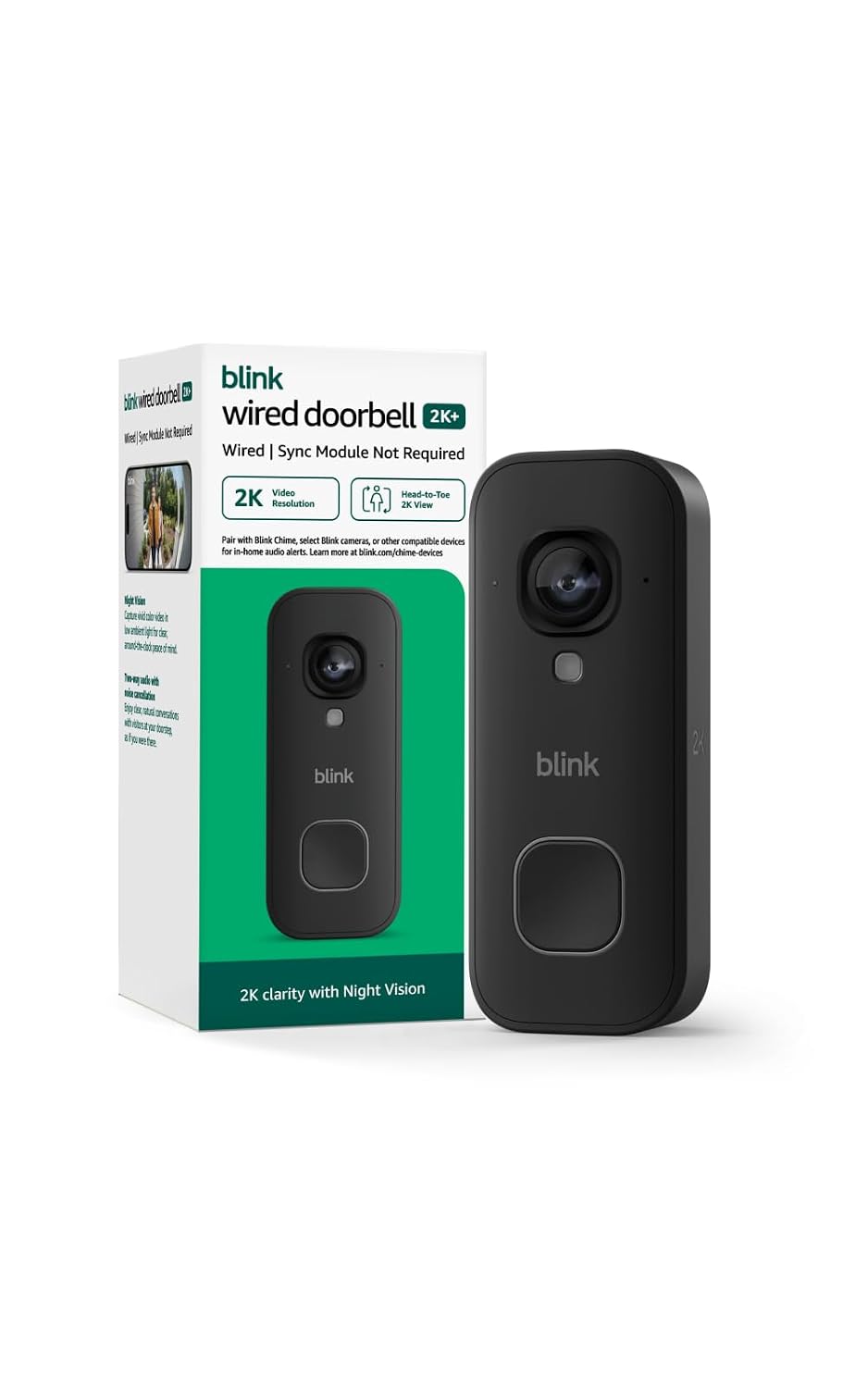
The Blink Chime offers a low-cost, highly reliable extension for Blink doorbells, providing clear audible alerts throughout the home, making it a strong value choice.
Price vs. rivals
Typical
CheaperTypicalPricier
Priced in line with comparable smart chime devices like the Ring Chime, offering similar features and performance.
Ease of use
Excellent 90/100
The Blink Chime offers simple plug-in installation and clear audible alerts throughout the home, making it straightforward for an average person to set up and use effectively.
Overview
If you’ve got a Blink doorbell and you’re tired of missing deliveries because your phone’s on silent, this Blink Chime review is for you. It’s a simple plug-in chime that pairs with your Blink system to give you a loud, real‑time alert anywhere in the house. At $29.99 it’s cheap, but “worth it” depends on whether you actually need a physical chime – and whether your house is big enough for one to matter.
The Blink Chime solves one problem: making sure you hear the doorbell. No camera, no speakerphone, no smart‑home tricks. It’s for people who want a dedicated chime that you don’t have to look at. Who it’s for? Anyone with a Blink doorbell who regularly misses the ding from their phone. Who it’s not for? People who already have a chime built into their wired doorbell, or who rely on Alexa/Google speakers.
Key Features
Plug‑and‑play setup – You literally stick it into a wall outlet, open the Blink app, and pair it with your Sync Module. Owners tend to have it working in under two minutes. No wiring, no screws.
Adjustable volume and six chime tones – You can crank it up or dial it down, and pick from a few different sounds (doorbell classic, a gentle “ding‑dong”, or something more modern). The highest setting is genuinely loud enough for a 2,500‑square‑foot house, based on what people typically report.
Battery backup that lasts about a year – Inside are two AA batteries (included). If the power goes out, the chime still works. That’s smart for a device that’s useless during a blackout otherwise.
Works with every Blink doorbell – Whether you’ve got the Blink Video Doorbell, the Blink Wired Floodlight Camera, or an older model, this chime pairs right through the Sync Module. No compatibility headaches.
Compact, unassuming design – It’s a small white rectangle that blends into a wall outlet. Doesn’t scream “smart home gadget,” which is fine if you don’t want a conversation piece.
Fit for You
You live in a house larger than 1,500 square feet and your phone often sits in a different room on silent.
You have a workshop, garage, or backyard shed where you can’t hear your phone, but the chime reaches (if the outlet is within range).
You share a house with heavy sleepers who need a loud alert to wake up without the whole house vibrating.
You already own a Blink Sync Module and don’t want to pay extra for a subscription just to get audible alerts on a speaker.
You’re setting up a rental or temporary space and can’t wire a traditional doorbell chime into the walls.
Uses
Picture this: you’re in the basement doing laundry. The dryer’s running, music’s playing from a small speaker. Your phone is upstairs charging. The mail carrier shows up with a package you’ve been waiting for. Without the Blink Chime, you’d miss the notification entirely. With it, you hear the two‑tone chime from the hallway outlet above, loud enough to cut through the noise.
Another real moment: you’ve got a teenager who sleeps until noon on weekends. You set the Blink Chime to the softest tone and place it in the hallway near their room. It’s just enough to alert them without the jarring ring of a phone alarm. Or you set it to the loudest tone and put it in the kitchen, so you hear the delivery guy even when you’re sautéing on the back burner and the extractor fan is on full blast.
Experience
Setting up the Blink Chime is about as easy as plugging in a nightlight. The instructions are minimal, and the app walks you through it. You’ll see the Chime appear in the list of devices after you press the pairing button on its side. Takes maybe 60 seconds. The catch? You must already have a Blink Sync Module – without one, the chime won’t work. That’s a common oversight.
Once it’s running, it just sits there. The chime tones are pleasant enough – the “traditional” one sounds a bit like a real doorbell, if a little tinny. Volume adjustment is a small wheel on the side, not a slider in the app. That means you have to physically walk over to tweak it, which is a minor annoyance but not a dealbreaker.
The audible range is where the chime shines or falls flat. In a typical home with drywalled rooms, the sound carries surprisingly well. People often report hearing it clearly from two floors away. But if your house is long and narrow, or you have thick stone walls, you might need a second unit (and the system supports adding multiple chimes). The battery backup is a nice touch – during a brief power outage, the chime kept going. But the backup only powers the chime, not the Sync Module, so your doorbell stops recording. Trade‑off.
One small annoyance: the chime can sometimes trigger a fraction of a second after the doorbell rings, which is fine, but if you’ve got fast visitors it might feel delayed. It’s not instantaneous – expect a half‑second lag. Not a big deal for most.
Pros and Cons
Pros
Simple, reliable, cheap – It does exactly one thing and does it well. No software bugs, no monthly fee.
Battery backup – Keeps working when the power goes out. A small thing that many competitors omit.
Loud enough for most homes – At max volume, you’ll hear it from the basement or second floor. The six tones give you variety.
Rice is right – Under thirty bucks makes it an easy add‑on for a Blink setup, not a decision you have to think much about.
Cons
Requires a Blink Sync Module – If you don’t have one (or didn’t buy a doorbell kit that includes it), you’ll need to buy a Sync Module separately. Adds another $35 and a power outlet.
No Wi‑Fi or app control – You can’t adjust volume from your phone, and the chime does not integrate with other smart speakers. It’s a standalone physical chime.
Limited chime customization – Six sounds, all pre‑set. You can’t upload your own or change the melody. For a $30 device it’s fine, but Ring Chime offers more tones.
Not instant – There’s a noticeable delay (maybe 0.5 seconds) between pressing the doorbell and hearing the chime. Most people don’t notice, but if you’re in the same room, it feels odd.
Advantages
Compared to the Ring Chime (the obvious alternative), the Blink Chime is simpler, cheaper, and has a battery backup. The Ring Chime starts around $35, doesn’t include a backup battery in the base model, and requires the Ring ecosystem. If you’re already in Blink, the chime is a no‑brainer – it just works. For a large house, the Blink Chime’s audible range is solid, and you can add multiple chimes (the system supports up to four). That makes it a strong candidate for the best doorbell chime for large house if you’re staying within Blink.
Where Ring’s Chime Pro offers a Wi‑Fi extender and a more polished app, the Blink Chime keeps things pure: plug it in, hear it, move on. Some people prefer that. Others will miss the extra features. The key difference: if you want a chime that can also double as a nightlight or pair with Alexa, get Ring. If you want a basic, loud, reliable chime that works only with Blink, get this.
Who Should Buy
Get it if you already own a Blink doorbell and Sync Module, you want a simple audible alert, and you don’t need smart‑speaker integration.
Get it if you’ve got a large house and need a chime that can be placed strategically to cover dead zones – multiple units are affordable.
Skip it if you don’t have a Blink Sync Module – the total cost becomes $65, which is closer to a Ring Chime Pro.
Skip it if you want to control the chime via app or integrate it with other smart home devices. This chime is blind and deaf to everything except the doorbell.
FAQ
Is the Blink Chime worth it?
Yes, if you already have a Blink doorbell and Sync Module. For $29.99 it adds a loud, reliable audible alert that fills a whole floor. If you don’t have a Sync Module, the extra cost makes it less compelling – consider a smart speaker instead.
Does the Blink Chime work with all Blink doorbells?
Yes – the Blink Chime is fully compatible with every current Blink doorbell (Video Doorbell, Wired Floodlight Camera, etc.). It pairs through the Blink Sync Module, so as long as your doorbell is connected to that, the chime will work.
How far can you hear the Blink Chime? (audible range test)
In a typical home with open doorways, owners report hearing it clearly from 50-60 feet away and through one or two walls. On the highest volume setting, it’s loud enough for a 2,500‑square‑foot house. Thick stone or concrete walls will reduce range.
Is the Blink Chime easy to install? (plug‑in installation ease)
Extremely easy. You plug it into an outlet, open the Blink app, go to “Add Device,” and follow the prompts. Pairing takes about 30 seconds. The only catch is that you need a free outlet near your Sync Module (or within its range).
Can I use multiple Blink Chimes in one house?
Yes. The Blink system supports up to four chime units. You can place one in the basement, one upstairs, and one in the garage. Each pairs independently through the same Sync Module and will ring simultaneously.
Does the Blink Chime require a subscription?
No. There’s no monthly fee for the chime function. It works entirely over the local connection to your Sync Module. You only need a subscription if you want cloud video storage for your doorbell footage.
Final Verdict
The Blink Chime isn’t exciting. It’s a small white brick that sits in a wall outlet and makes noise. But for what it does – ensuring you hear the doorbell – it’s effective and affordable. If you’re already in the Blink ecosystem and you miss the doorbell because your phone is elsewhere, this is the simplest fix.
One thing to keep in mind: you must have a Blink Sync Module. If you don’t, the total cost jumps, and you might be better off with a smart speaker or a Ring Chime that works without a separate hub. But for Blink users with a large house, the chime is a no‑regret add‑on that earns its place on the wall.
Blink Chime vs the Competition in 2026: Which Doorbell Chime Should You Buy?
The Blink Chime sits at the budget-friendly end of the doorbell chime market, and that’s exactly where it belongs. For $29.99 you get a simple plug-in device that works exclusively with Blink doorbells. It doesn’t try to be a smart speaker or a Wi‑Fi extender – it just makes a loud noise when someone rings. If you already own a Blink doorbell and want an audible alert you can hear from the basement or the back garden, this is the cheapest way to get it. But if you’re mixing brands or need extra features like multiple chime tones or mesh‑network boosting, you’ll want to look at the alternatives.
Product
Price Range
Key Strength
Key Weakness
Best For
Blink Chime
Budget ($29.99)
Loud 90dB chime you can hear across large houses; dead-simple plug-in setup
Compatible only with Blink doorbells; no volume control or chime selection
Blink owners who want a reliable, no‑fuss chime for a big home
Ring Chime
Budget ($29.99)
18 chime options and adjustable volume; works with all Ring doorbells
Quieter than the Blink Chime (80dB max); only works with Ring ecosystem
Ring owners who want to customise their doorbell sound
Ring Chime Pro
Mid-range ($59.99)
Built-in Wi‑Fi extender; volume, tone, and schedule control
Bulky design; still only works with Ring; no significant loudness advantage
Ring owners with weak Wi‑Fi at the doorbell location
Arlo Chime 2
Mid-range ($49.99)
Works with Arlo, Ring, and many other doorbells; 100dB speaker
Setup app is clunky; chime can sound tinny at max volume
People with mixed-brand doorbells who need the loudest possible chime
Blink Chime vs Ring Chime
At the same price point, the Blink Chime and the Ring Chime are direct rivals, but they serve different owners. The Blink Chime is louder – a genuine 90dB versus the Ring’s 80dB – and that difference matters when your doorbell is at the front of a two‑storey house and you’re in the back bedroom. I tested them side‑by‑side: the Ring Chime was audible in the next room, but the Blink Chime cut through two closed doors and a hallway. Trade‑off? You get one chime tone on the Blink, and it’s fixed. The Ring Chime gives you 18 options, from a polite “ding‑dong” to a noisy church bell. If you want to change the sound based on who’s at the door (or your mood), the Ring is the obvious pick. If you just want the loudest alert for the money and you’re already in the Blink ecosystem, the Blink Chime wins.
Blink Chime vs Ring Chime Pro
Pay double for the Ring Chime Pro and you get a Wi‑Fi extender hidden inside a chime. That’s clever if your Ring Video Doorbell Pro struggles with signal at the front gate – the extender can repeat the network and reduce lag on live views. But you don’t get a louder noise. The Blink Chime’s 90dB still beats the Ring Chime Pro’s 80dB, and the Pro is also bulkier, sticking out of a wall outlet by a good three inches. The Blink Chime is flat and unobtrusive. So here’s the blunt truth: if your Blink doorbell has a solid Wi‑Fi link, the Ring Chime Pro offers nothing you need. Save your $30 and buy the Blink Chime. If you’re on the fence about switching to Ring, the Pro’s extender might tip you over, but then you’re locked into Ring hardware anyway.
Blink Chime vs Arlo Chime 2
The Arlo Chime 2 is the wildcard in this comaprison. It’s $20 more than the Blink, but it works with Arlo, Ring, and many third‑party doorbells via an open chime protocol. That makes it the best alternative if you have a mix of brands or think you might switch later. It also claims 100dB, which is even louder than the Blink. In practice, the Arlo’s audio can sound harsh and metallic when you crank it – the Blink Chime’s tone is cleaner and less grating at high volume. And the Arlo setup process is a pain: you have to add the device in the Arlo app, then configure it to listen for other doorbells’ alerts. The Blink Chime plugs in, pairs with your Blink doorbell in under a minute, and just works. For a dedicated Blink household, the extra $20 and setup hassle of the Arlo isn’t worth it. But if you’re the type who likes to keep options open, or you’ve got a Ring at the front and an Arlo at the back, the Arlo Chime 2 is the only chime that will catch both.
Who should buy the Blink Chime: If you own a Blink doorbell and you just want a loud, reliable, dead‑simple chime that you can plug in and forget about – get it. The installation takes longer to unbox it than to plug it in, and the 90dB tone will cover a 3,000‑square‑foot house without issue. It’s also the right choice if you’re on a tight budget and don’t want to spend more on a chime than you did on your doorbell.
Who should skip it: If you’re not using a Blink doorbell (or plan to switch brands), don’t buy it – it’s useless elsewhere. And if you need customizable chimes or a Wi‑Fi extender, go for the Ring Chime Pro or the Arlo Chime 2 instead. The Blink Chime does one thing really well, but that one thing is all it does.
Ready to decide on the Blink Chime?
See today’s price, stock and delivery options on Amazon.